What Makes a Biometric Enrollment Station Truly Mobile?
Updated: 5 days ago

Biometric enrollment is no longer limited to permanent registration offices. Governments, civil registration authorities, and identity programs increasingly need to register people in different locations, from temporary enrollment centers to remote communities and field operations.
But making biometric enrollment mobile involves more than putting a fingerprint scanner into a portable case. A truly mobile enrollment station must bring together the right biometric components, computing hardware, power management, and physical protection in a configuration suited to the operational environment.
So, what makes a biometric enrollment station genuinely mobile?
1. Portability Without Compromising Functionality
A mobile biometric enrollment station must be practical to transport, set up, and operate in different locations.
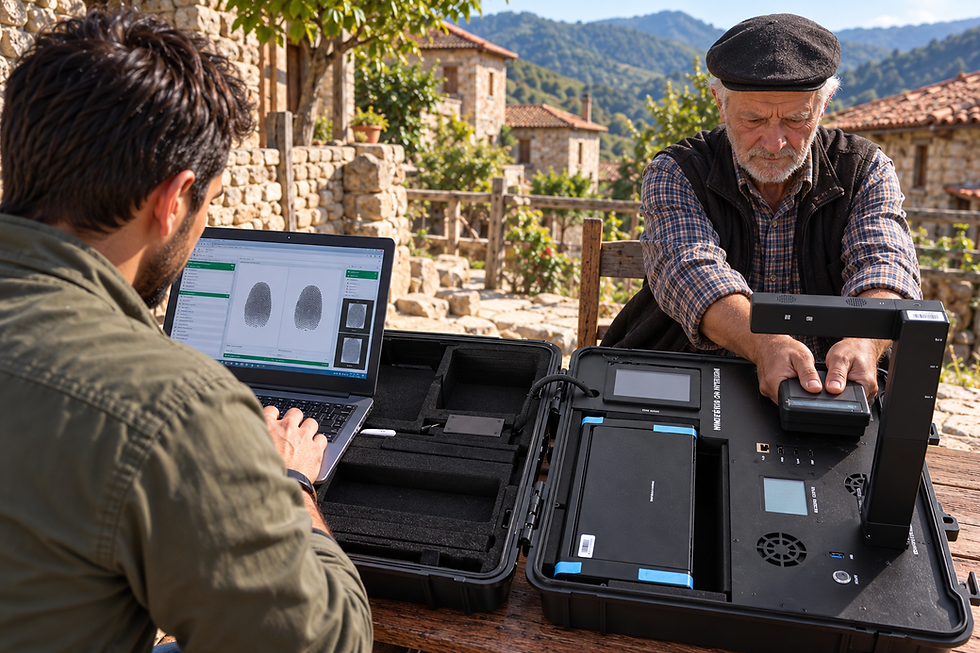
Depending on the program, an enrollment station may need a fingerprint scanner, facial camera, iris camera, document reader, signature pad, computer or tablet, and additional peripherals. Integrating these components into a suitable configuration helps operators complete registration workflows without relying on a permanent office setup.
The challenge is finding the right balance between portability and functionality. A compact station may be ideal for one application, while a larger kit may be necessary when a program requires several biometric modalities, document processing, or printing.
The best configuration depends on what the enrollment team needs to capture and where the equipment will be deployed.

2. Reliable Power for Field Operations
Access to electricity cannot always be guaranteed during mobile enrollment.
Field teams may work in temporary facilities, rural communities, outdoor locations, or buildings where power outlets are limited. For these deployments, power management becomes an important part of the overall system design.
A mobile station may need to support battery-powered operation, external power sources, or other options suited to the deployment. The computing platform and connected biometric devices must also be considered when estimating operating time.
Power requirements vary according to the hardware configuration, connected peripherals, and workload. Planning for these requirements helps operators avoid unnecessary interruptions during registration.
3. Rugged Construction for Demanding Environments
Mobile enrollment equipment is transported more frequently than equipment that remains in a fixed office. It may be exposed to vibration, dust, handling, and changing environmental conditions.
Rugged construction helps protect equipment during transport and everyday field use. Protective enclosures, suitable component selection, secure connections, and appropriate carrying cases all contribute to the durability of a mobile enrollment solution.
However, ruggedness should not be judged by appearance alone. Organizations should consider the environmental protection and durability specifications of the complete configuration, including any connected peripherals.
For large-scale identity programs, dependable hardware is important because equipment interruptions can affect enrollment schedules, operator productivity, and the ability to reach the intended population.

4. The Right Biometric Components for the Workflow
Not every enrollment program requires the same biometric capabilities.
A national identity program may require fingerprints, facial images, and iris data. A passport application workflow may also require document reading and signature capture. Other deployments may focus on a smaller set of components.
Selecting the appropriate biometric hardware helps ensure that the station supports the program's requirements without adding unnecessary complexity.
Important considerations include:
Fingerprint capture: The scanner type and certification required by the identity program.
Facial imaging: Camera capabilities and image quality requirements.
Iris capture: Whether iris images are required and which compatible capture hardware is needed.
Document reading: Whether identity documents, machine-readable zones (MRZ), or other document features must be captured.
Additional peripherals: Whether the workflow requires NFC, smart-card reading, signature capture, or printing.
These components need to work together as part of a coordinated enrollment process.

5. Software Compatibility and Integration
Mobile biometric hardware is only one part of an enrollment system. The devices must also work with the software platform used to collect, process, and manage identity data.
Before selecting a station, organizations should confirm compatibility with the intended enrollment application, operating system, biometric interfaces, and integration requirements.
This is particularly relevant to digital identity initiatives built around platforms such as MOSIP. Hardware integration needs to align with the project's technical requirements and the specific components being deployed.
A suitable hardware configuration can simplify the physical enrollment process, but the overall workflow still depends on the software platform, system configuration, and implementation.
6. Easy Setup and Efficient Operation
Mobile enrollment teams may need to register people in several locations during a single project. Equipment that is difficult to assemble, connect, or configure can slow down operations.
A well-designed station should make it practical for trained operators to prepare the equipment, connect the required peripherals, and begin the enrollment workflow.
Clear component organization, secure connections, suitable carrying cases, and a consistent setup process can all help reduce unnecessary complexity.
Operator training remains essential. Even well-integrated hardware needs to be used correctly to achieve consistent biometric capture and complete registration records.

7. Connectivity and Offline Considerations
Connectivity requirements depend on the identity program and its operating procedures.
Some deployments have reliable network access, while others take place in locations with limited or intermittent connectivity. Organizations should establish whether the enrollment application supports the required operating model, including any approved offline workflows and subsequent data synchronization.
This is an important distinction: portable hardware does not automatically mean offline capability. Offline operation depends on the software, security controls, data-handling procedures, and overall system design.
Planning for connectivity in advance helps ensure that the equipment and enrollment application are appropriate for the intended environment.

8. Choosing the Right Mobile Biometric Configuration
A mobile enrollment station can take several forms, depending on the number of components required and the environment in which it will operate.
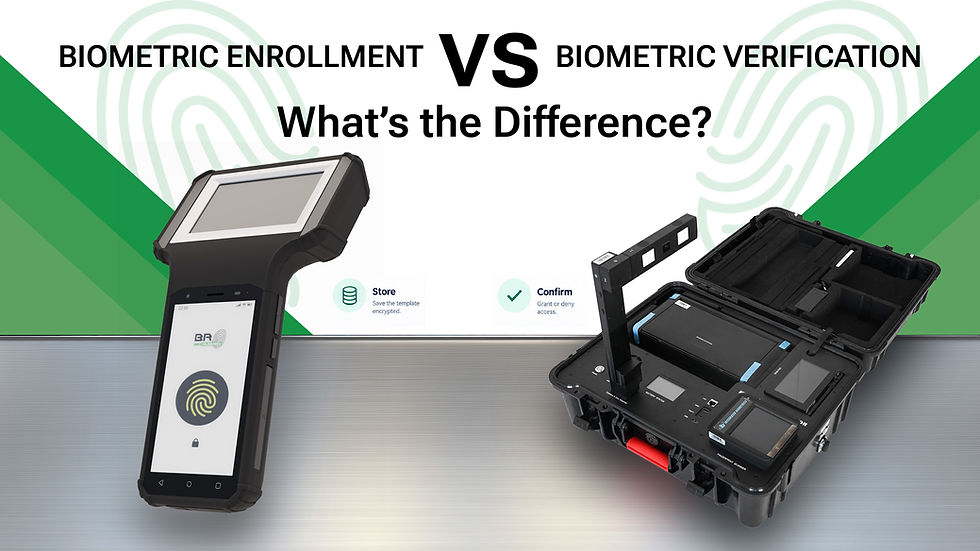
A rugged biometric tablet may suit deployments that need a compact computing platform. A handheld device can be appropriate for mobile identity verification or specific field workflows. A portable enrollment kit may be better suited to projects that require multiple biometric components and peripherals in a transportable configuration.
For more complex workflows, an integrated station can bring several capabilities together in a single platform.
There is no universal configuration for every identity program. The right choice depends on the required biometrics, software compatibility, power needs, transport requirements, and the conditions in which operators will work.

How BioRugged Supports Mobile Biometric Enrollment
BioRugged develops and integrates rugged biometric hardware for identity programs and applications that require dependable biometric capture in different operating environments.
Its hardware portfolio includes the Mark range of biometric enrollment kits, BioWolf rugged tablets, Ruggbo handheld devices, and Marque integrated biometric stations. These product categories address different deployment needs, from portable field enrollment to more integrated biometric workflows.
BioRugged also provides development and technical integration support for platforms such as MOSIP, helping its hardware fit into digital identity deployments according to the relevant project requirements.
By selecting a hardware configuration around the actual enrollment workflow, organizations can plan mobile registration operations with the appropriate biometric components, computing platform, and physical setup.

Conclusion: Mobility Is More Than Portability
A truly mobile biometric enrollment station combines portability with the practical requirements of biometric capture, power, durability, software compatibility, and efficient operation.
The goal is not simply to transport equipment from one place to another. It is to enable trained operators to perform the required enrollment workflow in the locations where people need access to identity services.
For governments and organizations planning mobile registration programs, choosing the right hardware configuration is an important step toward making enrollment operations more flexible and adaptable.
BioRugged provides rugged biometric hardware and integration support for identity programs, helping organizations deploy biometric enrollment solutions suited to their operational requirements.
Planning a biometric enrollment project?